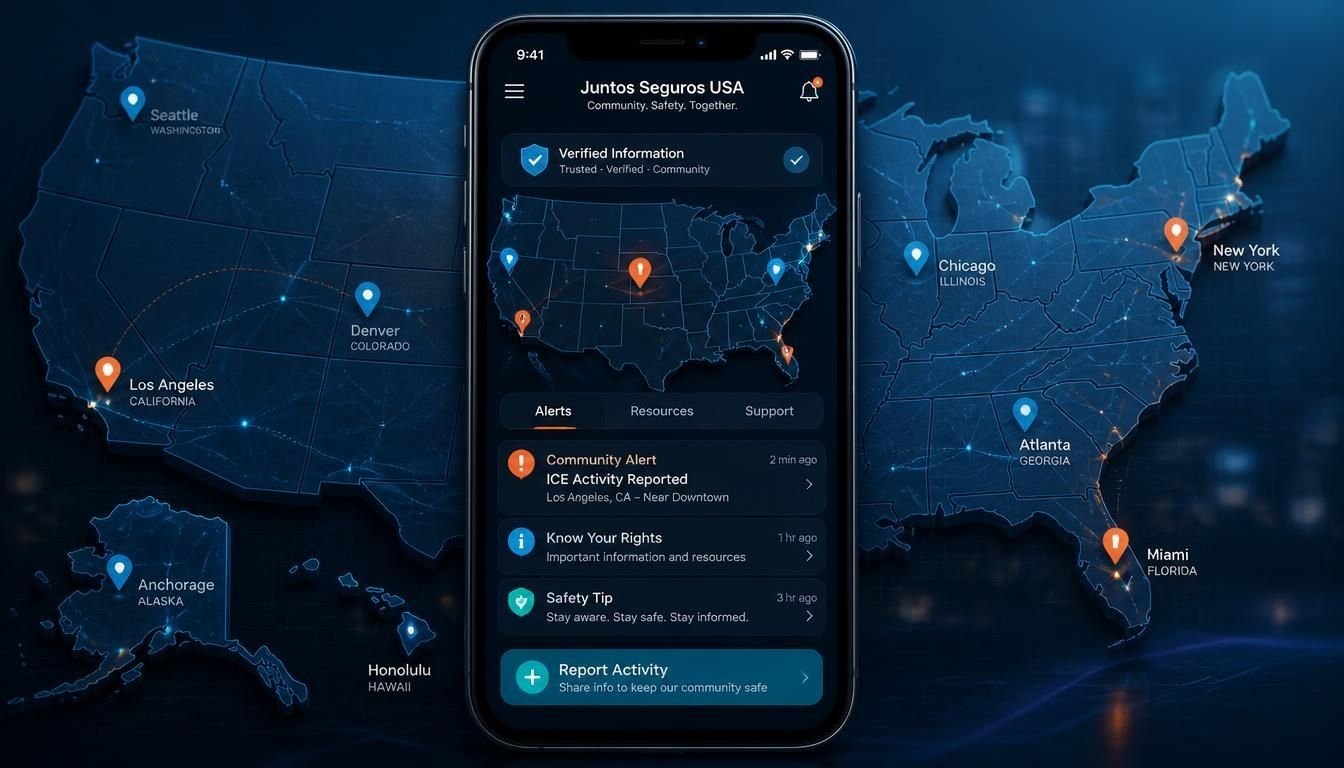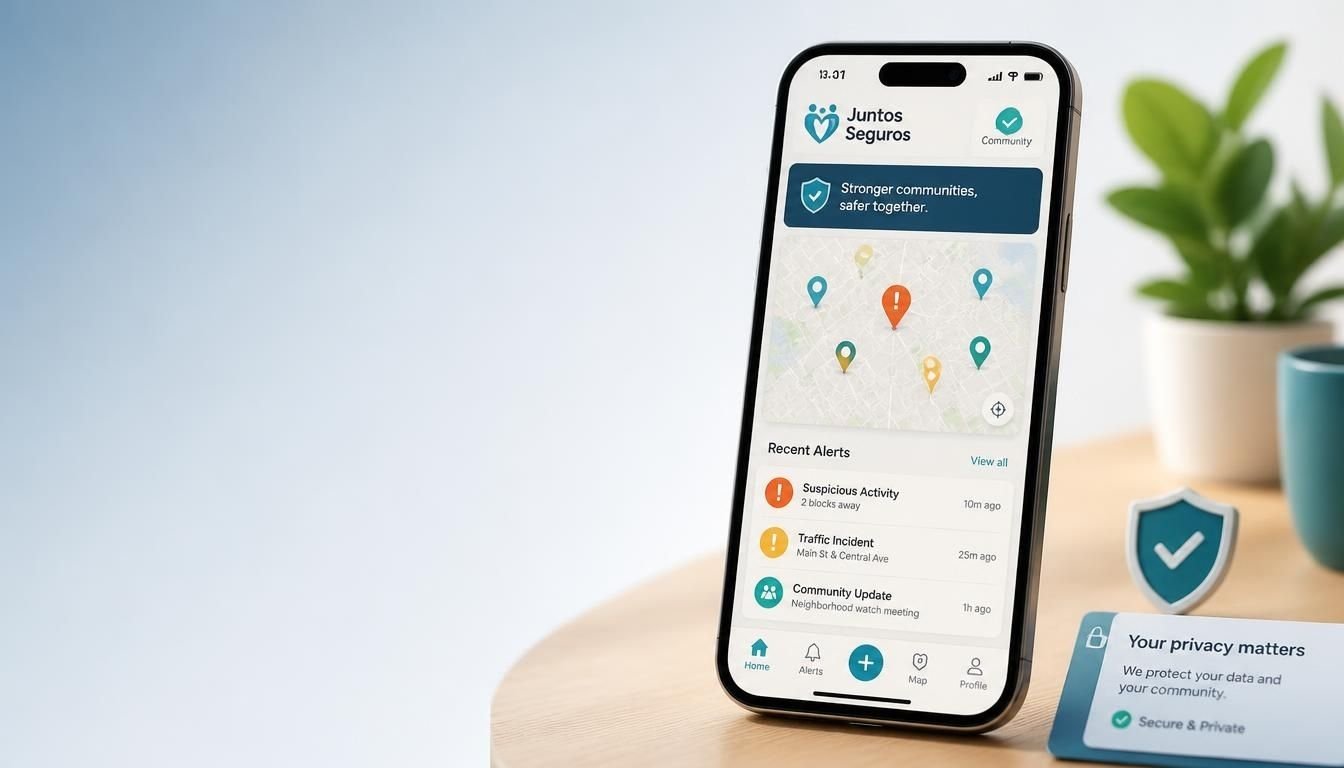
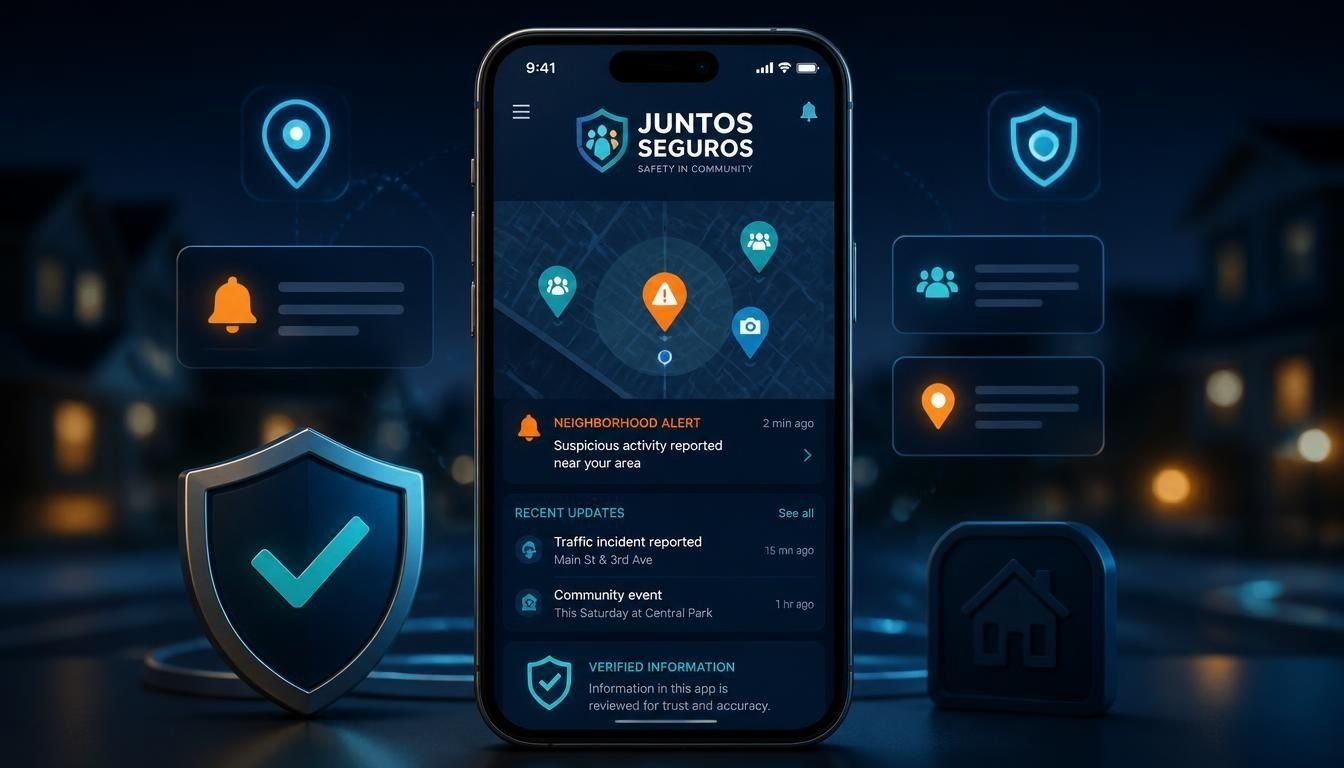
The Juntos Seguros App is the mobile version of the Juntos Seguros community information platform. It is designed to give users access to safety updates, community reports, an interactive map, and useful resources from a smartphone.
The platform focuses on helping users stay informed about relevant activity in their communities. Its main features include location based notifications, safety map access, community reporting, and English and Spanish language support.
What Can You Do With the Juntos Seguros App?
The app brings several of the platforms main tools into one mobile experience.
Community Safety Alerts
Users can receive notifications about relevant community activity. Push notifications are designed to keep users informed without requiring them to keep the app open.
Interactive Safety Map
The app provides access to an interactive map where users can view community updates by location. This makes it easier to see what is happening around a particular area.
Saved Location Alerts
Users can save important locations such as home, work, or school and receive relevant notifications connected to those areas.
Community Reporting
The platform also allows users to submit reports about relevant activity. Submitted information is intended to go through a review process before appearing publicly.
English and Spanish Support
Bilingual access is an important part of the platform. The app provides information in both English and Spanish, making the service more accessible to different communities.
How to Download the Juntos Seguros App
The official guide states that the app is available for Android and iOS devices. Users can search for Juntos Seguros through the relevant app store or access the download option through the official Juntos Seguros website.
Before installing any app, check the developer information and make sure you are downloading the intended application. This is especially important when multiple websites or applications use similar names.
How to Set Up the App
Getting started is relatively simple.
1. Install the App
Search for Juntos Seguros in the appropriate app store and install the application.
2. Select Your Language
Choose English or Spanish during setup. The language can also be changed later through the app settings.
3. Create an Account
The official guide says that an account can be created using an email address and password. It states that government identification and immigration status are not required to create an account.
4. Configure Location Access
Location access allows the app to provide information that is relevant to the users area. Users who do not want to provide live location access can use manually entered locations according to the platforms setup guide.
5. Turn On Notifications
Push notifications are useful if you want to receive alerts without opening the app manually.
6. Save Important Locations
You can add locations that matter to you and use them to receive more relevant updates.
Juntos Seguros App Features at a Glance
| Feature | Purpose |
|---|---|
| Safety alerts | Receive relevant community notifications |
| Interactive map | View updates by location |
| Saved locations | Monitor important areas |
| Community reporting | Submit relevant information |
| Bilingual support | Use English or Spanish |
| Legal resources | Access educational and support resources |
| Offline access | View recently cached map information |
The platforms published information describes these as key parts of the mobile experience.
Is the Juntos Seguros App Free?
According to the apps published guide, the Juntos Seguros App is free to download and use on Android and iOS. The guide also states that there is no subscription requirement or premium version.
However, app availability and store listings can change. It is always better to check the current official listing before installing an application.
Does Juntos Seguros Work on Android and iPhone?
Yes. The published information says the app supports both Android and iOS. It lists Android 8.0 and newer versions and iOS 13 and newer versions as supported platforms.
The guide also states that the main features are available on both platforms.
Is the Juntos Seguros App Available in Spanish?
Yes. Spanish is one of the apps supported languages. Users can select Spanish during setup or change the language later through settings.
This bilingual approach is also part of the wider Juntos Seguros platform, which aims to make community information easier to access for English and Spanish speaking users.
Does the App Need Your Location?
Location access can be used to provide area specific information and alerts.
The published setup guide says users can allow location access for relevant map information and notifications. It also says that users who are uncomfortable with live location access can enter locations manually.
As with any application that requests location permission, review the permission settings on your device and only enable access that you are comfortable providing.
Is the Juntos Seguros App Safe to Use?
The platforms published information says that it is designed with privacy and responsible information handling in mind. It also states that reports are anonymized and that users can delete their accounts and associated data through the app.
That said, users should still follow normal mobile security practices. Download applications from trusted sources, keep your phone updated, review permissions, and avoid entering unnecessary sensitive information.
What Should You Check Before Downloading?
Because apps can have similar names, take a moment to verify the application before installation.
Check:
- The exact app name
- The developer information
- The official juntos seguros website
- The app store listing
- Recent reviews and updates
- Requested permissions
Do not install an application simply because its name looks similar to Juntos Seguros.
How Does the Juntos Seguros App Compare With the Website?
The website provides access to the wider Juntos Seguros platform and its educational resources. The mobile experience is designed to make features such as alerts, maps, and saved locations more convenient when users are away from a computer.
The two experiences can therefore serve different purposes. The website can be useful for reading information and exploring resources, while the app is more convenient for mobile notifications and location based features.
What Are the Limitations of the App?
A community safety application should not be treated as a guarantee of personal safety.
Information can change quickly, reports may require verification, and technology cannot replace emergency services or official announcements.
For urgent situations, users should rely on appropriate emergency services and official authorities rather than waiting for an app notification.
Similarly, information related to immigration or legal matters should be checked against authoritative sources before making important decisions.
Final Thoughts
The Juntos Seguros App is designed as a mobile community information tool that brings safety alerts, an interactive map, location based features, community reporting, and bilingual resources together in one application.
Its main value is convenience. Instead of relying only on a desktop website, users can access relevant information and notifications from their phones.
Before downloading, always verify the official app listing and review the permissions requested by the application. For important safety, emergency, immigration, or legal decisions, use the app as an additional information source rather than your only source.
Frequently Asked Questions
What is the Juntos Seguros App?
The Juntos Seguros App is a mobile application connected to the Juntos Seguros community information platform. It provides access to safety updates, an interactive map, location based notifications, community reporting, and bilingual resources.
Is the Juntos Seguros App free?
According to the official published guide, the app is free to download and use on Android and iOS, with no subscription required.
Can I use the Juntos Seguros App in Spanish?
Yes. The app supports both English and Spanish, and users can select their preferred language during setup or change it later.
Does Juntos Seguros work on Android?
Yes. The published information states that the app supports Android devices running Android 8.0 or newer.
Does Juntos Seguros work on iPhone?
Yes. The app is also described as available for iPhone devices running iOS 13 or newer.
Does the app require location access?
Location access can be used for area specific information and alerts. The published guide also describes manually entering locations as an alternative for users who do not want to provide live location access.
Can users submit reports through the app?
Yes. The platform describes a community reporting feature that allows users to submit relevant information for review.
Is the Juntos Seguros App a replacement for emergency services?
No. A community information app should not replace emergency services or official government information during an urgent situation.